
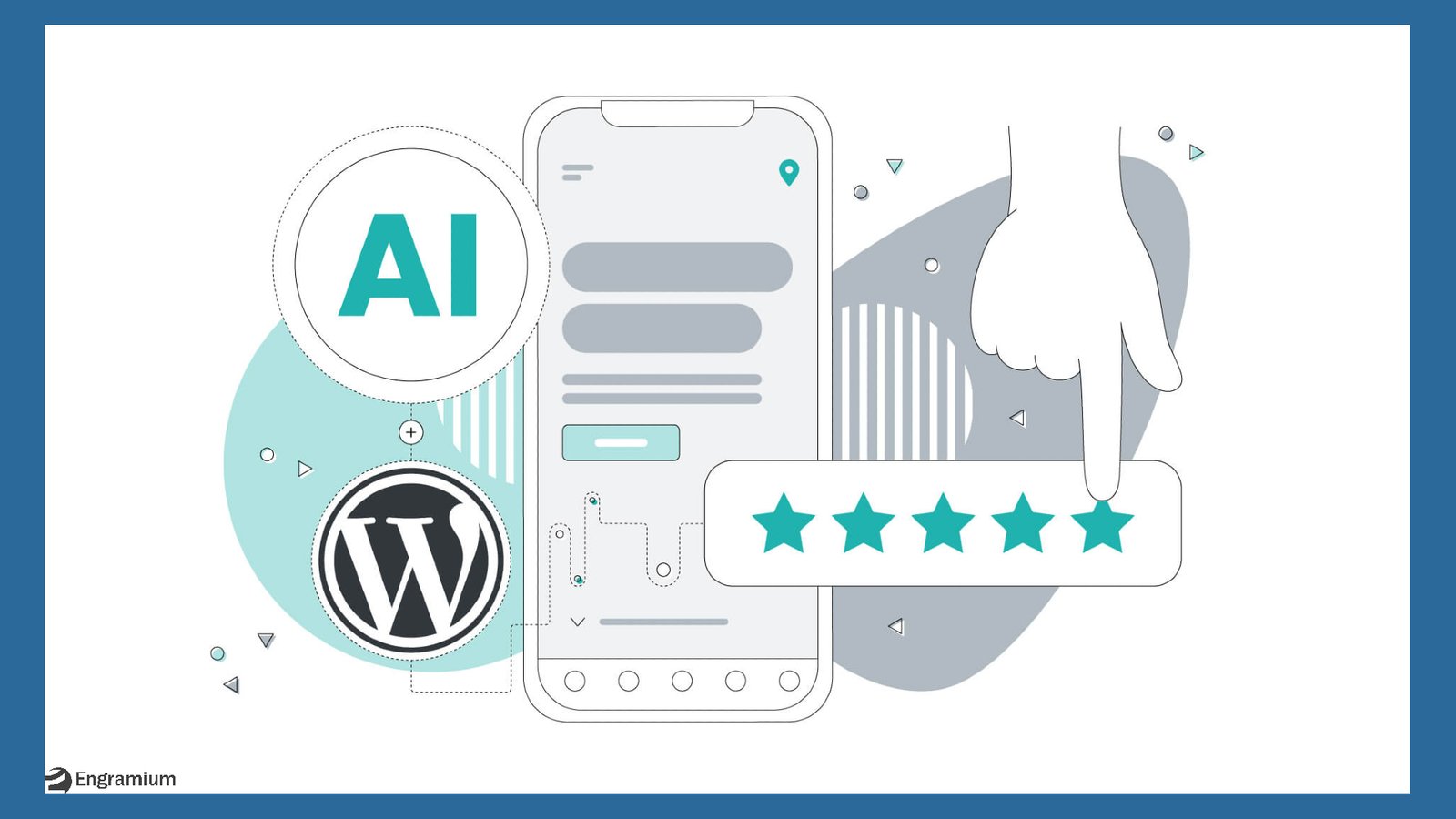
🚀 WordPress 7.0 Introduces the AI Client
WordPress has officially stepped into the future with the release of WordPress 7.0, introducing a powerful new feature: the AI Client.
This isn’t just another plugin or experimental tool. The AI Client is a foundational system designed to integrate artificial intelligence directly into WordPress—making it easier than ever for developers and site owners to build smarter, more dynamic websites.
If you’ve been wondering how AI will shape the future of WordPress, this is where it begins.
🤖 What Is the WordPress AI Client?
The WordPress AI Client is a centralized interface that allows WordPress to communicate with various AI providers like OpenAI, Google, or Anthropic.
Instead of each plugin building its own AI integration, the AI Client provides a standardized way to connect and interact with AI services.
Key Features:
- One unified API for multiple AI providers
- Centralized credential management
- Consistent integration across plugins
- Simplified development workflow
In short, it acts as the backbone for AI functionality inside WordPress.
🧠 Why the AI Client Matters
Before WordPress 7.0, integrating AI into a website was often fragmented and inefficient.
You might have experienced:
- Re-entering API keys for different plugins
- Compatibility issues between tools
- Lack of standardization
The AI Client solves these problems by introducing a shared infrastructure layer.
Benefits:
- Configure AI once, use it everywhere
- Improved plugin compatibility
- Faster and more reliable development
- Better scalability for AI-powered features
This shift makes WordPress more future-ready than ever.
⚙️ How the AI Client Works
The AI Client operates behind the scenes, enabling seamless communication between your website and AI services.
Step-by-Step Overview:
- Install an AI Provider Plugin
Choose a provider like OpenAI or Google Gemini and connect your API key. - AI Client Handles the Requests
It manages authentication, data flow, and communication. - Plugins Use the AI Infrastructure
Developers can now build features such as:- Content generation
- Summarization tools
- AI chatbots
- SEO optimization assistants
All of this happens without duplicating effort across plugins.
🧩 Built for Developers (But Powerful for Everyone)
It’s important to understand that the AI Client is primarily a developer-focused feature.
It does NOT:
- Automatically generate content
- Force AI into your workflows
- Share data without permission
Instead, it provides a clean and flexible API that developers can use to create innovative AI-powered tools.
For users, this means better plugins, smarter features, and a more seamless experience.
🔌 Provider-Agnostic and Future-Proof
One of the most exciting aspects of the AI Client is its provider-agnostic design.
What This Means:
- No dependency on a single AI provider
- Freedom to switch between services
- Support for self-hosted or local AI models
This ensures that WordPress remains open, flexible, and adaptable as AI technology evolves.
🏗️ AI as Core WordPress Infrastructure
The AI Client is part of a broader initiative to make WordPress an AI-ready platform.
It works alongside other emerging components like:
- Abilities API
- AI connectors
- Client-side AI processing
Together, these technologies are transforming WordPress from a traditional CMS into a smart, intelligent web platform.
🌍 Real-World Use Cases of AI in WordPress
With the AI Client in place, the possibilities are expanding rapidly.
Potential Applications:
- ✍️ AI-assisted content writing in the block editor
- 🛍️ Automated product descriptions for eCommerce
- 📊 Smart analytics and user insights
- 🤖 AI-powered customer support chatbots
- 🎯 Personalized user experiences
These innovations will redefine how websites interact with users.
⚠️ Is AI Mandatory in WordPress 7.0?
No—AI remains completely optional.
WordPress ensures:
- No AI providers are installed by default
- No automatic data sharing
- Full user control over AI usage
This approach keeps WordPress aligned with its core values of openness and flexibility.
🏁 Final Thoughts: A New Chapter for WordPress
The introduction of the AI Client in WordPress 7.0 marks a major milestone.
Rather than adding AI as an afterthought, WordPress is building it into the foundation—creating a standardized, scalable, and future-proof system.
Key Takeaway:
WordPress is no longer just a content management system—it’s becoming an AI-powered platform for the modern web.
📌 FAQs
What is the AI Client in WordPress 7.0?
It’s a centralized system that allows WordPress to connect with multiple AI providers through a unified interface.
Do I need coding knowledge to use it?
Not necessarily. Developers will build tools using it, but end users will benefit through plugins.
Is the AI Client free?
The feature itself is part of WordPress, but AI providers may charge for API usage.
Can I disable AI features?
Yes. AI is completely optional and only activated when you choose to use it.
🔗 Conclusion
As AI continues to reshape the internet, WordPress 7.0 ensures it stays ahead of the curve.
The AI Client is not just a feature—it’s the beginning of a smarter, more connected web experience.
If you’re building or managing a WordPress site, now is the perfect time to explore what AI can do for you.


Leave a Reply